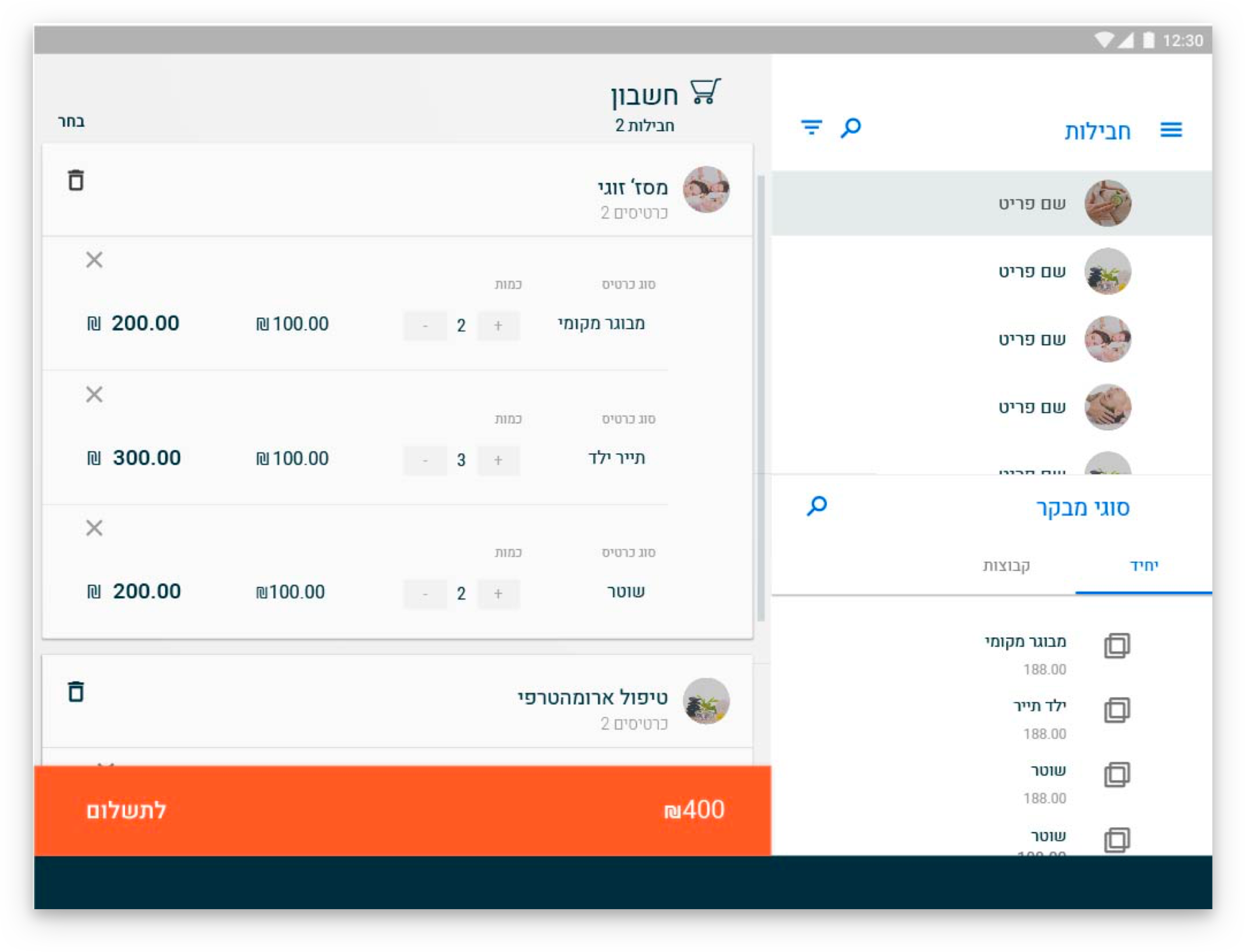
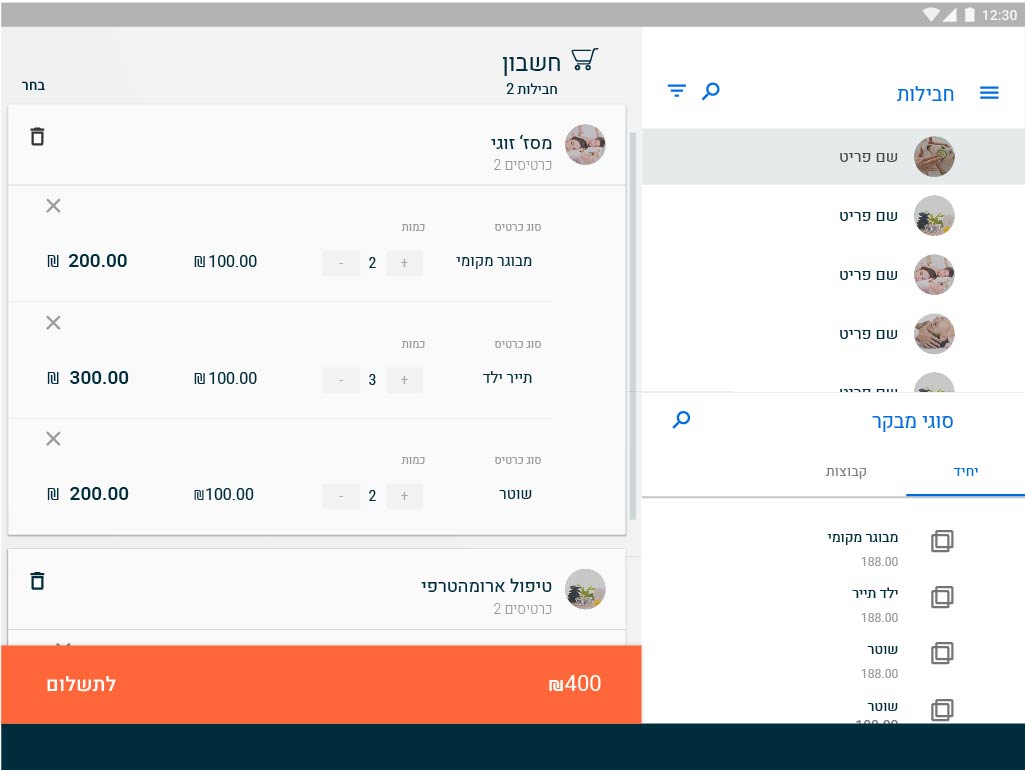
Web-Based, Full Solution Software Product, For Financial Consolidation, Management and Operational
Analysis, With Embedded Qlikview BI Technology
THE PROBLEM
Too much information, and too many components that were not designed according to the user’s needs and tasks, do not take into consideration information architecture and hierarchy between components. User frustration led users to abandon the system and use paper-based schedulers.THE SOLUTION
The new interface is designed based on the role and tasks of each user. The new design improves schedule management and its components, including sharing among users.
The interface enables to scan existing bookings and check availability quickly and intuitively. Each process has a scenario that distributes the real estate on the screen according to the user’s stage in the journey and details relevant to that stage.
MY ROLE
User Research, User Interviews, Persona Creation, User Journey, Information Architecture, User App Flow, Wireframes, and User Testing.TOOLS
Adobe Illustrator CC, Adobe Photoshop CC, Invision.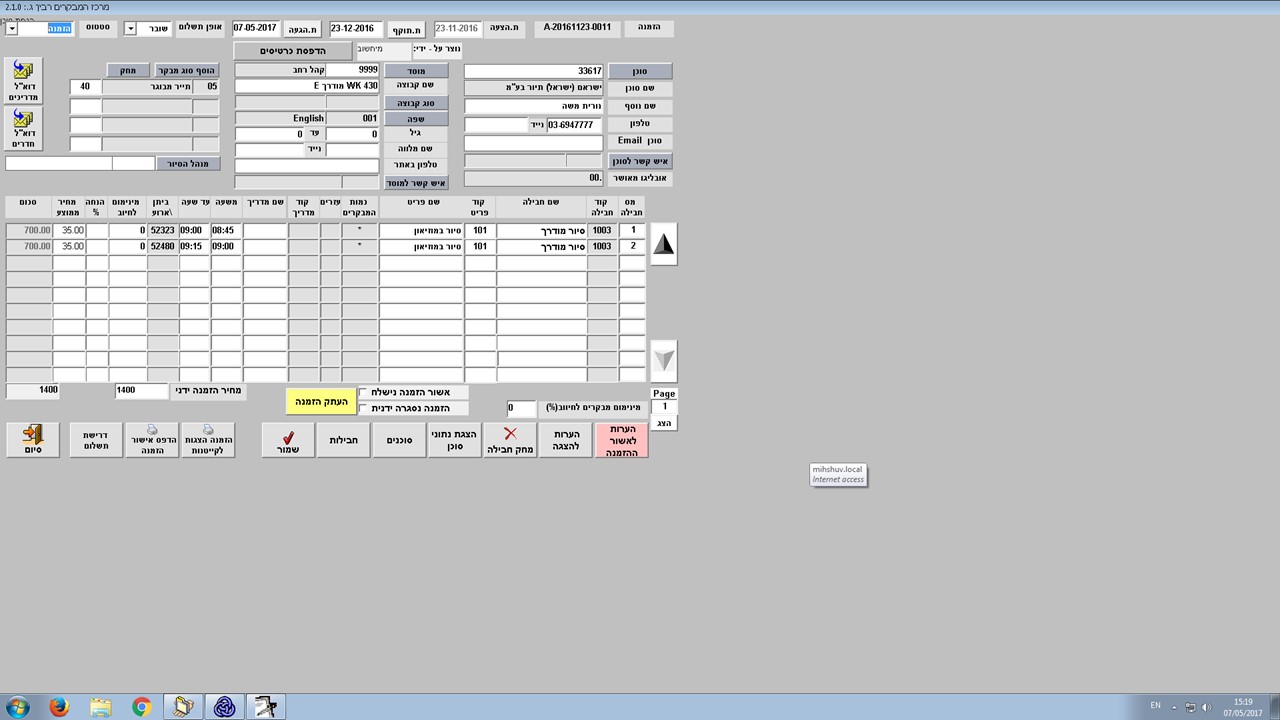
-
DISCOVERY
-
INFORMATION ARCHITECTURE
![]()
![]()
![]()


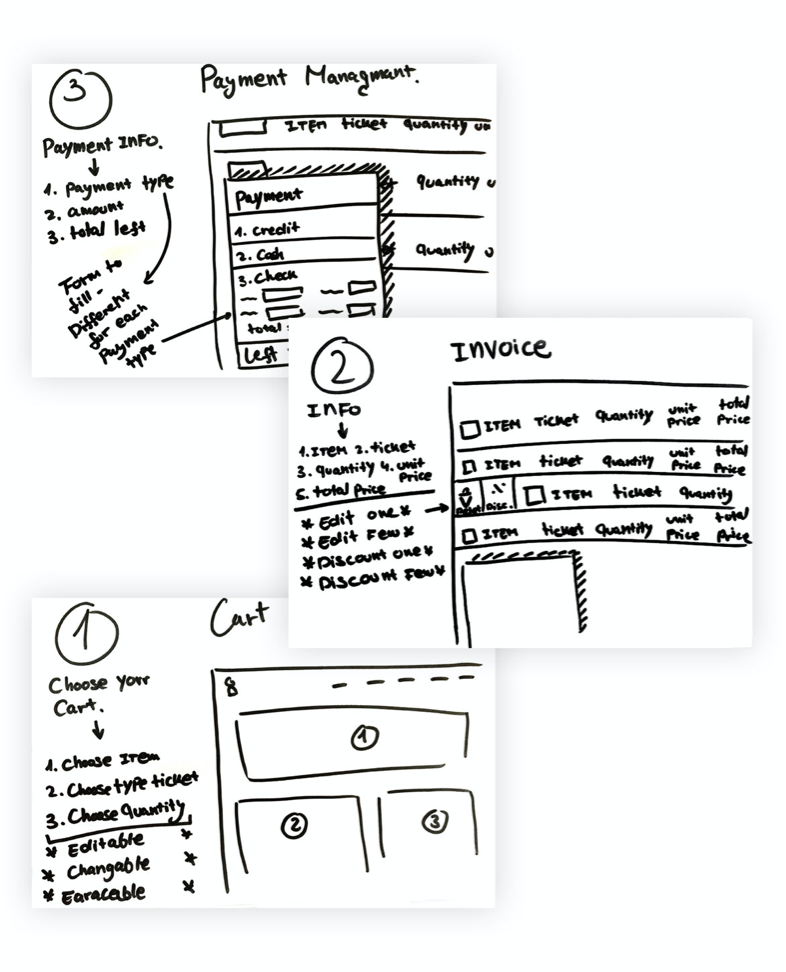
UX DESIGN
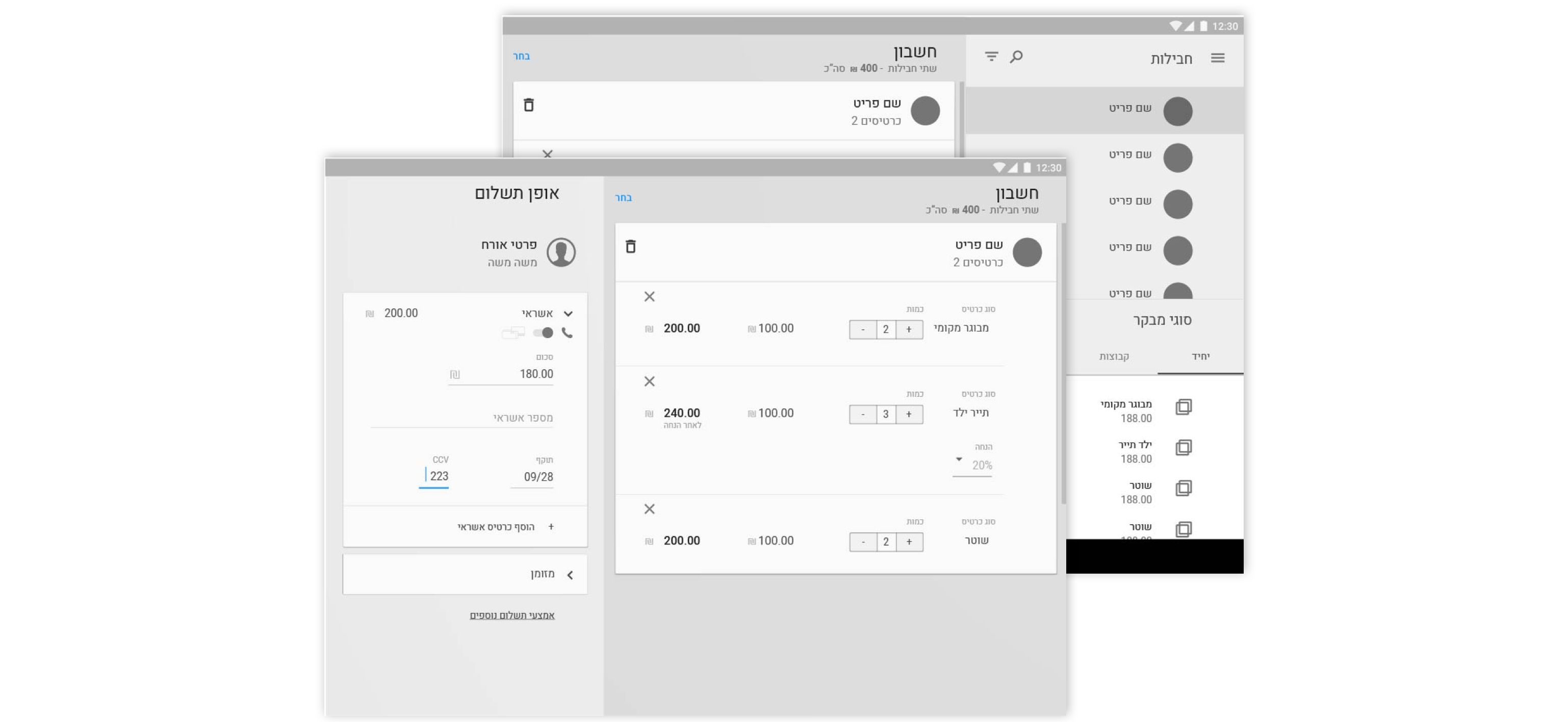
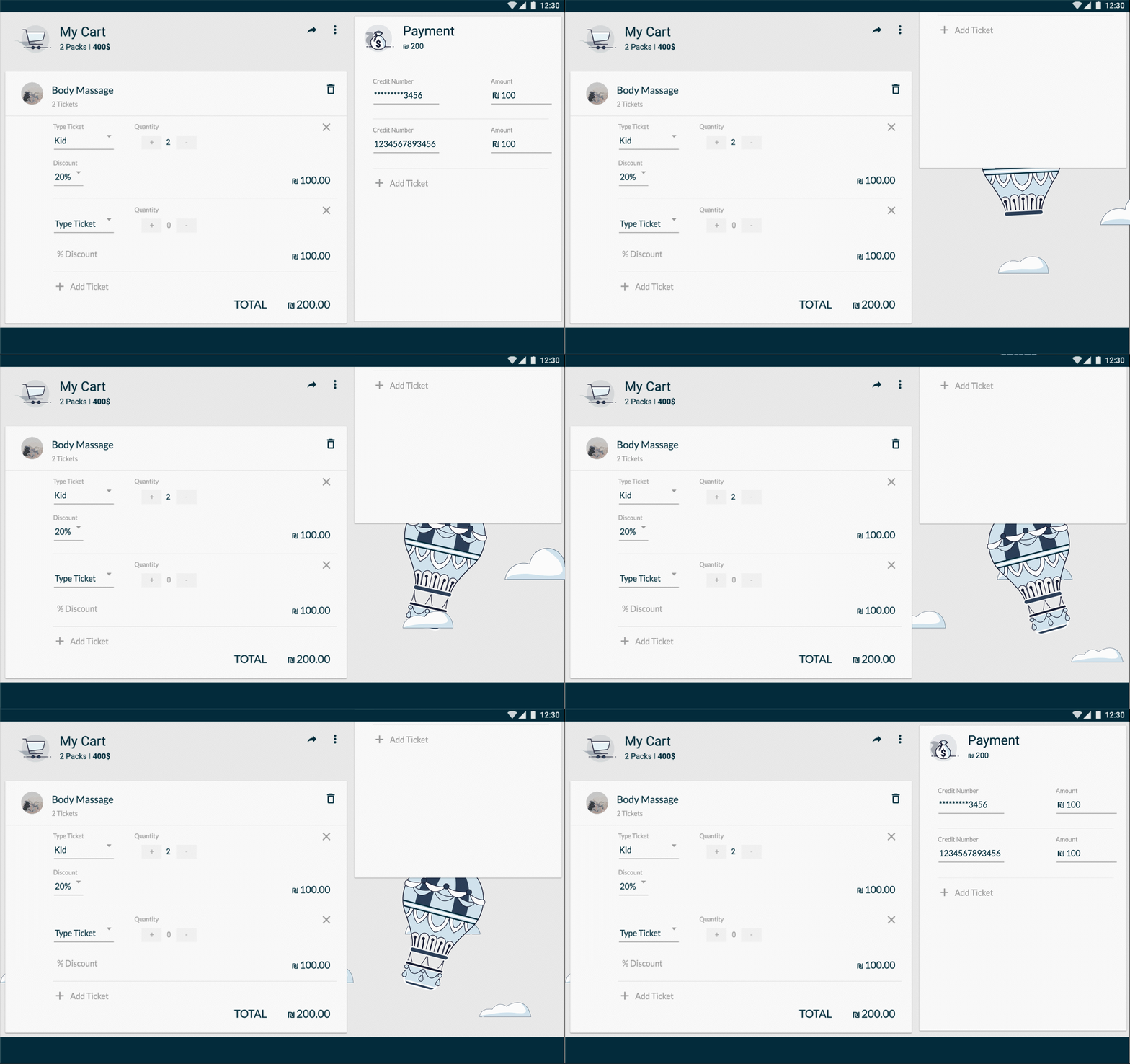
Using animations as a tool of communicate before major decisions such as credit confirmation or while waiting for the system to respond
ADMIN'S FLOW
.gif)
CHECK AVAILABILITY
A user enters the monthly breakdown screen and checks availability Focuses on a specific week in the same screen when it's expending. Clicking on the day will open a screen detailing the availability / occupancy that day according to the activities offered on the site and by hours

.gif)
