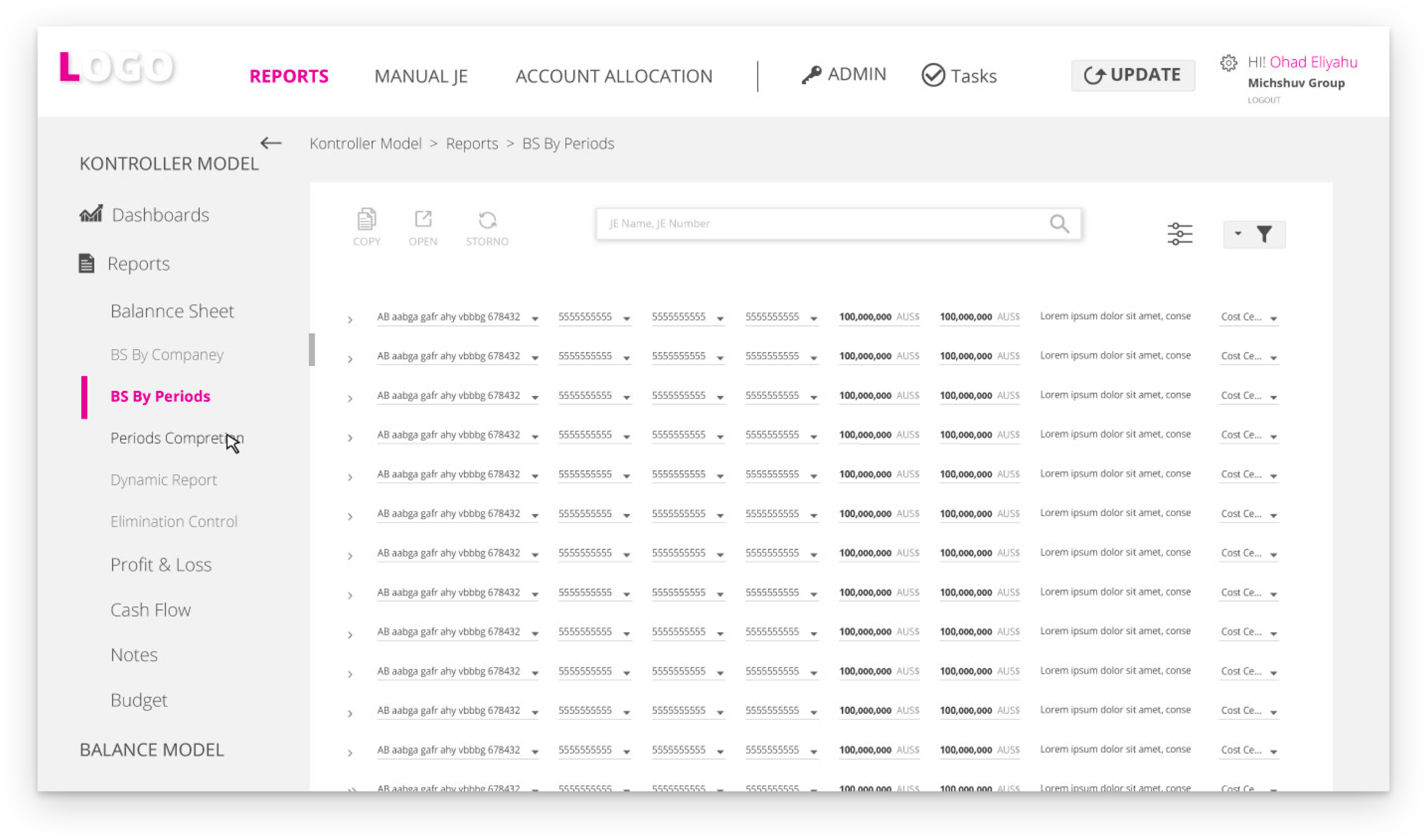
Web-Based, Full Solution Software Product, For Financial Consolidation, Management and Operational
Analysis, With Embedded Qlikview BI Technology
THE PROBLEM
The system enables users to define the fields that will appear on screen, so that they can view different content based on their requirements. This creates a challenge in terms of adapting the screen’s layout to the preferences of each user.THE SOLUTION
The system was designed such that the layout takes optimum advantage of the screen area based on the user’s definitions. This is achieved by sizing fixed elements versus those whose size change, under the restrictions imposed by the order and conditions under which they appear.
In addition, the architecture of the data and the hierarchy of the components was improved in each screen according to the user’s focus throughout their journey in the system.
MY ROLE
User Research, User Interviews, Persona Creation, User Journey, Information Architecture, User App Flow, Wireframes, and User Testing.TOOLS
Adobe Illustrator CC, Adobe Photoshop CC, Invision.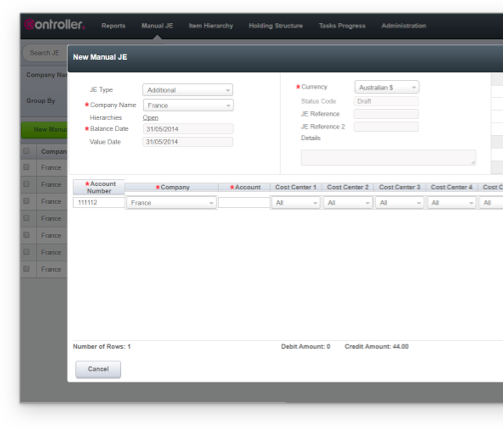
-
GENERIC LAYOUT
-

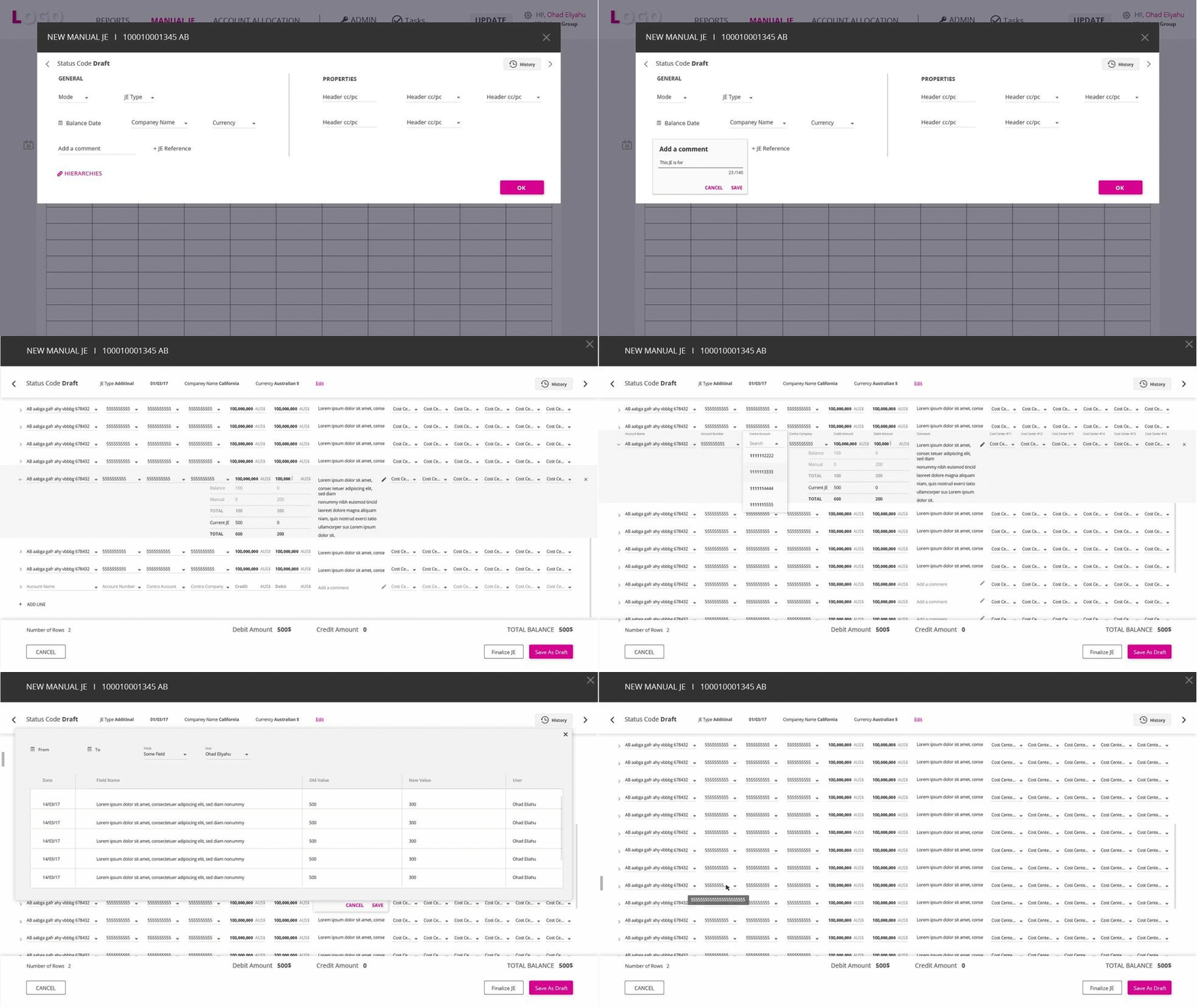
The window divides the fields based on the stage in the process. When entering the details and attributes of the journal entry, the form contains these fields. After completing the fields and clicking OK, the user proceeds to the second stage of the process to enter journal entries. These appear in a form, whereas the journal entry appears as a title only.
When the user’s attention is directed to a specific journal entry line (that is, when the cursor points to one of the relevant components of the specific journal entry), the latter expands to display the attributes of the line and additional details that help verify that the correct data has been entered. The system also alerts in case of erroneous entries.
-
USER JOURNEY
ENTER A LOG LINE
>> The user (accountant) accesses the system to enter a new journal entry with new lines. The user selects the JOURNAL ENTRY window and clicks NEW to open a NEW MANUAL JE. The user completes the form with details of the journal entry (according to fixed components and other attributes defined in advance by the Admin) and clicks OK. > The New Manual JE window opens where the user can enter the data for a new entry. The window contains fixed fields and journal-entry attributes defined in advance by the Admin. At the end of the process, the user verifies the TOTAL BALANCE to ensure that the journal entries are balanced.
-
![]()
![]()
![]()
![]()
![]()
![]()
![]()
![]()
![]()
![]()
![]()
The window for entering and editing journal entries has two groups of components. The first is mandatory and includes fixed-size fields of varying number. The second group is selected by the Amin and contains a varying number of fields. The length of the fields also changes based on the Admin’s definitions. The distribution takes optimum advantage of the real estate in the screen while taking into consideration the hierarchy of the data displayed.


